

Review · updated July 2026
Uplisting review (2026): who it's for - and who should skip it
Uplisting is our pick for automation (2–20 units). Automation-first channel manager and PMS for hands-off hosts scaling 2–20 units. Skip it if you run a single listing or want the cheapest option — the entry price assumes a few units.
Some links are partner links — it never changes our picks. How we're funded
Try Uplisting freeChoosing the right property management software can save hosts time, reduce double bookings, and increase revenue. With so many options available, it’s crucial to find a tool that matches your business size, automation needs, and budget. This review helps you decide if Uplisting is the right fit for your business, especially if you’re running 2–20 units and want to know exactly what gets automated, what it costs at your scale, and whether another tool fits better.
Key Takeaways
Uplisting is property management software designed for short-term rental hosts and property managers running 5–50 properties across multiple channels. It centralizes channel management, a unified calendar, automated guest messaging, and housekeeping into one platform.
As of July 2026, uplisting pricing starts at £72/month for up to 5 listings. Each additional property costs $20 (prices checked July 2026)/month up to 20 listings, then drops to $10/month for listings 21–100 and $5/month after 100. Uplisting does not charge a percentage of revenue.
The main limitation: hosts with only 1–2 listings will find the cost steep relative to lighter tools, and some users report inconsistent customer support speed since the January 2024 AirDNA acquisition.
Uplisting has a 4.9 average rating on Capterra and G2, reflecting strong satisfaction among multi-property operators.
For small hosts under 5 units who mainly want a branded direct booking site with SEO tools, a website-first PMS tool like Lodgify may be a better fit.
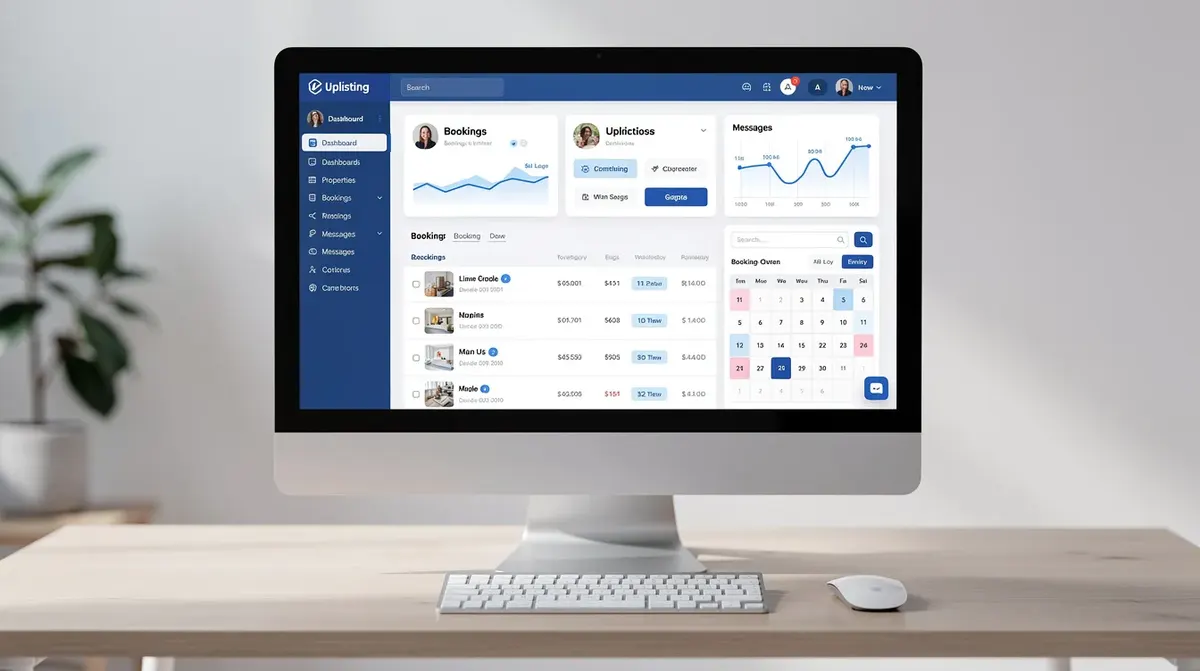
The essentials: our verdict in one screen
Here is the quick summary so you can decide whether to keep reading or move on.
Who Uplisting is for:
Short term rental hosts managing 5–50 units across Airbnb, Booking.com, Vrbo, and a direct booking site
Operators who need automated messaging, rate management, and cleaning coordination in one system
Property managers who want a flat fee structure that gets cheaper per unit as the portfolio grows
Teams already listing on multiple platforms who need to eliminate double bookings
Who should skip it:
Hosts with 1–2 listings who only use Airbnb - the cost and setup time rarely justify the benefits
Operators who primarily want a highly branded, SEO-optimized direct booking website
Vacation rental owners needing deep accounting, trust accounting, or detailed owner statements built in
Uplisting uses flat, per-listing pricing. A 5-unit host pays roughly £72/month total (£16/property). A 10-unit host pays around $200/month (£16/property). No revenue share, no hidden commissions. Uplisting has a 4.9 average rating across major review platforms, though post-acquisition support quality is a recurring concern.
What is Uplisting?
Property management software (PMS) is a digital platform that helps short-term rental hosts manage bookings, guest communication, and operations across multiple channels.
Uplisting is property management software launched in 2016 and acquired by AirDNA in January 2024. It specializes in managing listings across major OTAs like Airbnb and Vrbo, centralizing everything into one system for short term rental hosts and property managers.
The platform features a stylish, easy-to-use interface built around a unified calendar, unified inbox, automated guest communication, smart rates with channel markups, housekeeping scheduling, and a basic direct booking engine. It connects directly to Airbnb, Booking.com, Vrbo, and Google Vacation Rentals, and supports commission-free direct bookings through its built-in site.
Its focus is operational efficiency and automation rather than marketing or heavy website customization.
Uplisting at a glance
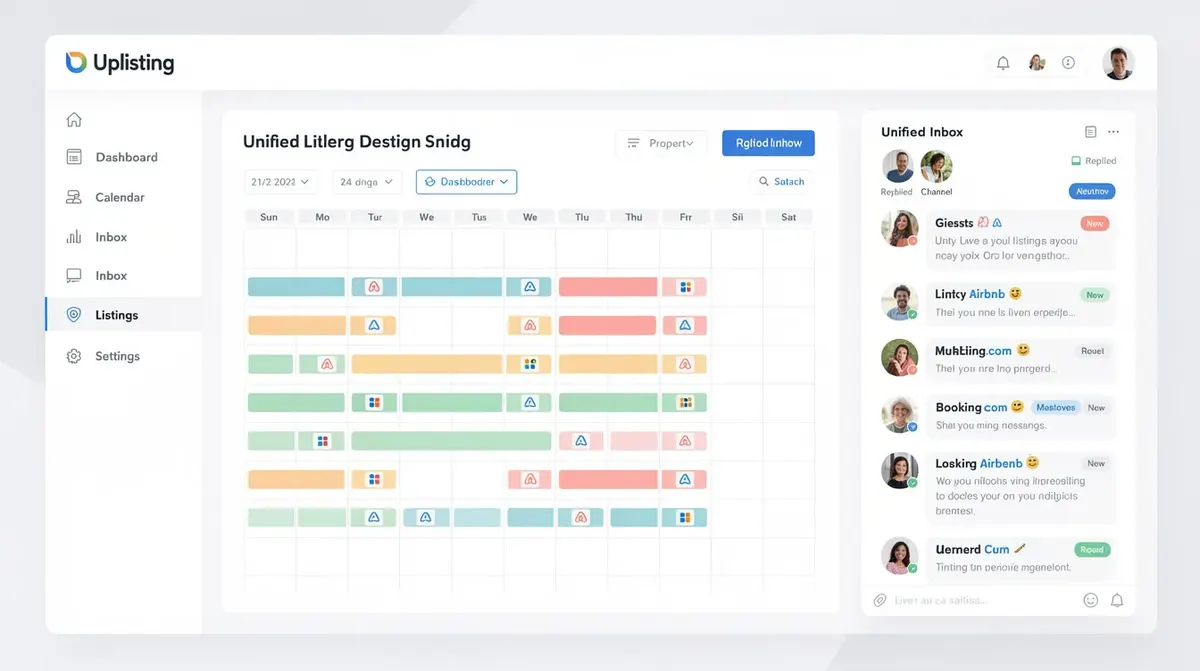
Bookings from Airbnb, Booking.com, Vrbo, and the direct booking site appear in one multi calendar view, color-coded by channel so you can spot gaps and conflicts instantly.
What we like about Uplisting (for 2–20 unit hosts)
Channel Management
Rock-solid channel management for multi-platform hosts: Uplisting syncs bookings across multiple platforms in real-time, significantly reducing double booking risk.
Automatic Channel Markup: Adjusts pricing for different platforms to offset varying commission rates, so your take-home stays consistent whether a guest books on Airbnb or Booking.com.
Bulk editing: Allows bulk editing of listings for efficiency when you need to adjust rates or availability across all connected channels at once.
Unified Calendar & Inbox
Unified calendar: Consolidates bookings from multiple platforms into one view with filters by property, channel, and tags.
Centralized inbox: Consolidates guest communications, so you can reply to all guest messages - whether from Airbnb, Vrbo, or direct bookings - from a single screen. This matters once you're managing bookings across 5+ properties and can't afford to miss a message.
Integrations
Zapier integration: Uplisting integrates with Zapier for custom automation workflows, dynamic pricing software like PriceLabs and Wheelhouse, and cleaning management tools.
Workflow possibilities: This Zapier integration alone opens up hundreds of workflow possibilities without waiting for native features.
Direct Booking Site
Simple direct booking site included: Uplisting allows hosts to create a direct booking website with 0% commission.
Live availability: Pulls live availability from the unified calendar and processes payments via Stripe.
Starter direct booking engine: For hosts just starting to capture repeat or referral bookings, this direct booking engine works without needing separate website software.
What we don't like (real limitations in 2026)
Pricing Examples
Cost is steep for 1–2 unit hosts: At £72/month for up to 5 properties, a host with a single busy Airbnb is paying $100 for features designed for a larger portfolio. Until you reach 3–5 units, lighter automation tools or Airbnb-native features may offer better value.
Direct Booking Site Limitations
Direct booking site is functional, not flexible: The direct booking site lacks advanced SEO controls, blog functionality, and meaningful design customization.
Limited for content marketing: Vacation rental owners wanting to build a strong direct booking brand will find it too basic for content marketing or localized multi-language pages.
Support & Limitations
Support quality feels inconsistent post-AirDNA acquisition: Uplisting offers human support whenever needed, and customer support is primarily email-based on the standard plan.
Mixed experiences: While some users praise specific reps, others report mixed experiences with Uplisting's customer service speed.
Response times: Response times on the entry plan are advertised at around 2 hours, but complex issues sometimes take longer. Test support during the 14-day free trial before committing.
Accounting & Owner Statements
Not a full accounting or owner statements solution: Uplisting's financial reporting may not separate cancellations clearly or generate detailed owner statements.
Owner portal add-on: The owner portal add-on exists but costs extra and has limited depth.
Mobile App Experience
Mobile app limitations: Uplisting faces criticism for occasional bugs and limitations in its mobile app functionality.
Editing and messaging: Some users report that editing listings, viewing the full calendar, or replying to messages on mobile doesn't match the desktop experience.
Uplisting pricing in 2026 (with worked examples)
All pricing below is flat fee, per-listing, as of July 2026. Verify current numbers on Uplisting's pricing page - these figures can change.
Uplisting starts at £72 per month for 1–5 properties. Each additional property costs $20 per month up to 20 listings. Uplisting charges $10 per month for listings 21–100. After 100 listings, Uplisting charges $5 per month per listing. Uplisting does not charge a percentage of revenue.
Listings | Monthly cost | Effective per-unit cost |
|---|---|---|
1–5 | $100 flat | $20–$100/unit |
6–20 | $100 + $20/additional unit | ~$16–£16/property |
21–100 | Base + $10/unit (21+) | ~$10–$15/unit |
100+ | Base + $5/unit (100+) | < $10/unit |
Common add-ons:
Guest identity verification: ~$1.65 per guest
Security deposits automation: ~$4/listing/month
Owner statements / portal: ~$8/listing/month
Uplisting provides guest identity verification and automated security deposit pre-authorization as optional paid features.
Pricing Examples
Worked example - 5 units: £72/month total. Effective cost: $20/listing. Compare that with a 3% revenue share PMS on $2,000/month revenue per unit ($10,000 total) - that would cost $300/month. Uplisting saves you $200/month at this scale.
Worked example - 10 units: $100 base + 5 extra units × $20 = $200/month. Effective cost: $20/listing. Still significantly cheaper than most percentage-based tools.
Uplisting provides a 14-day free trial with no credit card required. Use it to test automations and support before committing.
Uplisting pricing & plan comparison
All plans include core channel management features. Larger portfolios unlock priority support and faster response times.
How Uplisting actually automates your guest journey
Booking to Checkout: Step-by-Step Automation
Booking imported
A guest books via Airbnb or the direct booking site.
The reservation instantly appears on the unified calendar and triggers the property's automation rules.
Automated confirmations and pre-arrival messages
Uplisting automates guest messaging with six pre-scheduled emails covering confirmation, pre-arrival directions, house rules, and smart lock codes.
Automation tools send check-in reminders to guests 24–48 hours before arrival.
Cleaning and operations workflow
The booking automatically creates a turnover task in the housekeeping calendar.
Notifies the assigned cleaner via email.
Updates if the guest changes dates or cancels.
Allows automatic collection of security deposits from guests before arrival.
During-stay and checkout
Automated "How is your stay going?" messages and final checkout instructions go out via the unified inbox.
All messages are customizable per listing.
Post-stay review and re-booking
Uplisting automates review requests after guest stays.
Can send a direct booking link to encourage future commission-free stays.
This end-to-end process covers the entire guest journey without manual intervention.
Who should choose Uplisting?
Growing hosts with 5–20 units: The per-unit pricing, unified calendar, and automation tools start paying off once you can't personally handle every message and cleaning schedule across multiple properties.
Multi-channel property managers: Hosts listing on Airbnb, Booking.com, Vrbo, and a direct booking site who need channel management with reliable sync and channel markups to avoid double bookings and pricing errors.
Operators who favor reliability over flashy new features: Uplisting offers core key features - guest communication, channel management, unified calendar, housekeeping - rather than a bloated feature set.
Teams using separate tools for marketing and accounting: Uplisting is a strong operations hub when paired with external tools for SEO websites or advanced bookkeeping.
Who should skip Uplisting (and why)
Skipping Uplisting doesn't mean it's bad software - it means some hosts need a different balance of cost, features, and website control.
1–2 property hobby hosts: If most bookings come from Airbnb alone and automation needs are basic, lighter tools are more cost-effective. Consider Uplisting once you expand to 3–5 properties.
Brand-driven direct booking businesses: Hosts prioritizing SEO, custom design, and content marketing will find Uplisting's site builder too limited.
Portfolios needing deep financial reporting: Property managers generating complex owner reports or trust accounting should consider enterprise-level options.
Hosts who value phone support above all: Uplisting primarily uses chat and email support. If 24/7 call-center assistance is non-negotiable, other PMS tools may fit better.
Uplisting unified inbox & guest communication
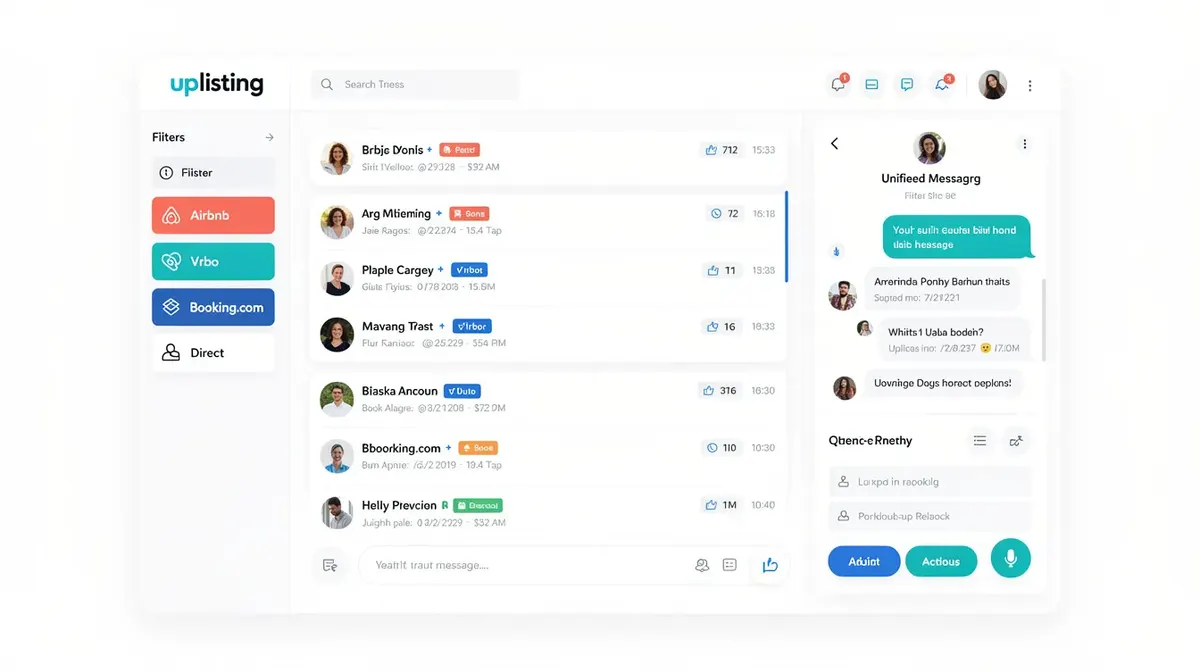
Templates and automation rules handle common questions automatically while still allowing manual overrides from the same screen - a user friendly interface for daily operations.
Uplisting vs Lodgify and other alternatives
No property management system fits everyone. Here's where Uplisting shines or falls short versus popular alternatives.
Uplisting vs Lodgify: Uplisting is stronger at channel management, unified calendar, and operational automation. Lodgify is stronger at customizable direct booking sites, templates, and SEO. Small hosts focused on direct bookings may lean toward Lodgify; multi-channel operators favor Uplisting.
Uplisting vs Hostaway: Hostaway can be a better fit for larger portfolios (25+ units) needing deeper integrations and owner reporting. Uplisting is simpler to set up for mid-sized operators.
Pure Airbnb tools: Low-cost Airbnb-only automation tools can be cheaper for single-channel hosts but lack unified calendar, channel management, and a direct booking engine.
How Uplisting works with Airbnb, Booking.com & your direct booking site
Many hosts first search "uplisting airbnb" - here's how it works with major booking platforms.
Uplisting integrates with major booking platforms like Airbnb and Booking.com via API, importing listings, syncing availability, and letting you manage message templates and reviews from within the platform.
The system helps avoid double bookings through synchronized calendars across all connected channels, including Vrbo and Google Vacation Rentals.
You can adjust rates and set different minimum stays per channel using smart rates.
The direct booking engine and embeddable widget pull live availability from the unified calendar, take payments, and feed bookings into the same automation flows as OTA stays.
The setup process is straightforward for most hosts, though the site offers limited SEO and design controls - serious direct booking strategies often pair Uplisting with an external website.
Final thoughts
Uplisting delivers the most value for growing 5–50 unit short term rental portfolios that need reliable channel management, a unified calendar, and strong guest communication automation. It's a focused property management tool that does operations well without trying to be everything.
Map uplisting pricing against your current and target unit count. If you're at 5 properties paying £72/month and saving even one double booking per quarter, the system pays for itself. If you're at 1–2 units on Airbnb only, wait until you grow or explore lighter options.
Your next step: sign up for the free trial, set up one property with full automations, and stress-test guest messaging, channel management, and support responsiveness before migrating your portfolio. If you fall outside Uplisting's ideal profile, compare Lodgify and Hostaway to find the right balance of features, cost, and service for your business.